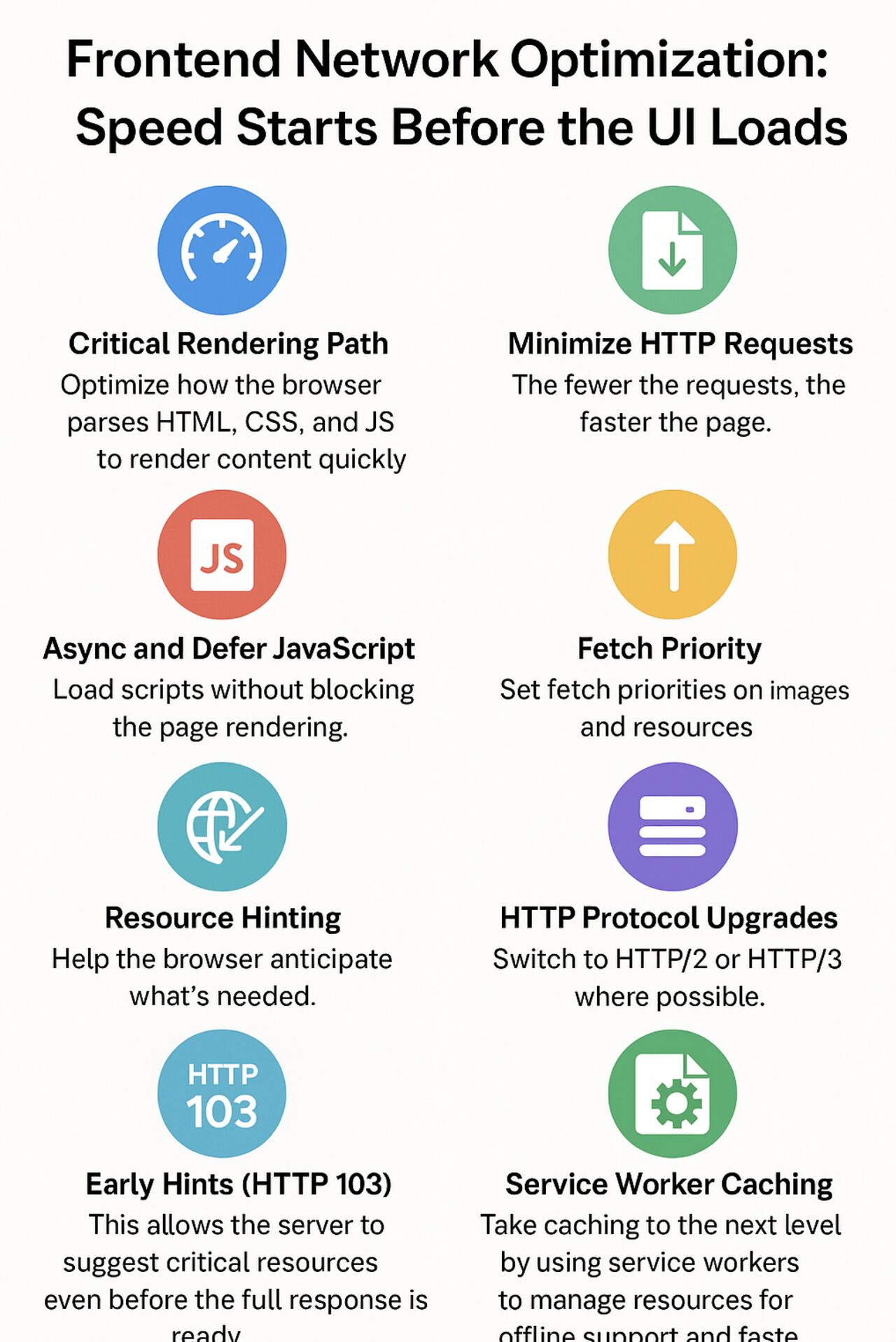
Frontend Network Optimization: Speed Starts Before the UI Loads
When we think of frontend performance, we often focus on JavaScript efficiency or layout shifts. But a significant part of user experience depends on how efficiently we handle the network layer. Here are practical ways to optimize performance from a frontend perspective.
Critical Rendering Path
Optimize how the browser parses HTML, CSS, and JS to render content quickly. Prioritize above-the-fold content and reduce render-blocking resources. The critical rendering path is the sequence of steps the browser takes to convert HTML, CSS, and JavaScript into pixels on the screen.
Minimize HTTP Requests
The fewer the requests, the faster the page. Combine files where it makes sense, lazy load components, and avoid unnecessary dependencies. Each HTTP request adds overhead - from DNS lookup to TCP handshake to actual data transfer.
Async and Defer JavaScript
Load scripts without blocking the page rendering. Use async for independent scripts and defer for scripts that depend on the DOM. This simple technique can dramatically improve perceived performance.
Avoid Redirection
Every redirect adds delay. Clean URLs and direct paths improve speed, especially for initial page loads. A single redirect can add 200-500ms to your load time - that's significant in today's fast-paced web.
Resource Hinting
Help the browser anticipate what's needed:
- Preload for critical assets that will be needed immediately
- Prefetch for future navigations and secondary content
- DNS-prefetch to reduce DNS lookup time for external domains
- Preconnect to establish early connections to important origins
Fetch Priority
Set fetch priorities on images and resources using the fetchpriority attribute so that the most important content loads first. This helps the browser make better decisions about resource loading order.
Early Hints (HTTP 103)
This allows the server to suggest critical resources even before the full response is ready, helping the browser start fetching early. Early Hints is a relatively new feature that can shave hundreds of milliseconds off your load time by allowing the browser to start loading resources while the server is still generating the response.
HTTP Protocol Upgrades
Switch to HTTP/2 or HTTP/3 where possible. These protocols support:
- Multiplexing - multiple requests over a single connection
- Header compression - reduced overhead
- Server push - proactive resource delivery
- Faster connection setups - reducing latency
Compression
Serve assets with Brotli or Gzip compression to reduce file size and speed up transfers. Brotli typically achieves 15-25% better compression than Gzip, resulting in faster downloads and reduced bandwidth costs.
HTTP Caching
Configure caching headers like Cache-Control, ETag, and Last-Modified so that users don't have to download the same content repeatedly. Proper caching can turn a 3-second page load into a sub-second experience for returning visitors.
Service Worker Caching
Take caching to the next level by using service workers to manage resources for offline support and faster repeat visits. Service workers give you fine-grained control over caching strategies and can even enable your app to work completely offline.
Key Takeaway
Improving these areas can lead to significant gains in load time, interactivity, and overall user experience. Performance is a shared responsibility across the stack, and as frontend developers, being network-aware is key. Every millisecond counts, and optimizing the network layer is often the biggest win you can achieve.
Start by measuring your current performance using tools like Lighthouse, WebPageTest, or Chrome DevTools. Then implement these optimizations one by one, measuring the impact of each change. You'll be amazed at how much faster your applications can become!